Tips for Organizing a Productive Home Workspace
Creating an effective home workspace is essential for anyone who works remotely or spends significant time completing tasks at home. A well-organized area can help reduce distractions, enhance focus, and increase productivity. Whether you have a dedicated room or just a small corner, the following tips will help you design a workspace that supports your best work.
Choose the Right Location
Find a Quiet Spot
Look for a space in your home that is as quiet and free from distractions as possible. This could be a spare room, a nook in the living room, or even an unused corner. Minimizing noise will help you concentrate better.
Consider Natural Light
Natural light can improve mood and reduce eye strain. Position your workspace near a window if you can. If natural light is limited, invest in good-quality lighting that mimics daylight.
Keep Your Desk Clutter-Free
Use Organizational Tools
Desk organizers, trays, and drawer dividers can keep your stationery, papers, and gadgets neatly arranged. Assign a specific place for frequently used items so they are easy to find.
Limit Desk Items
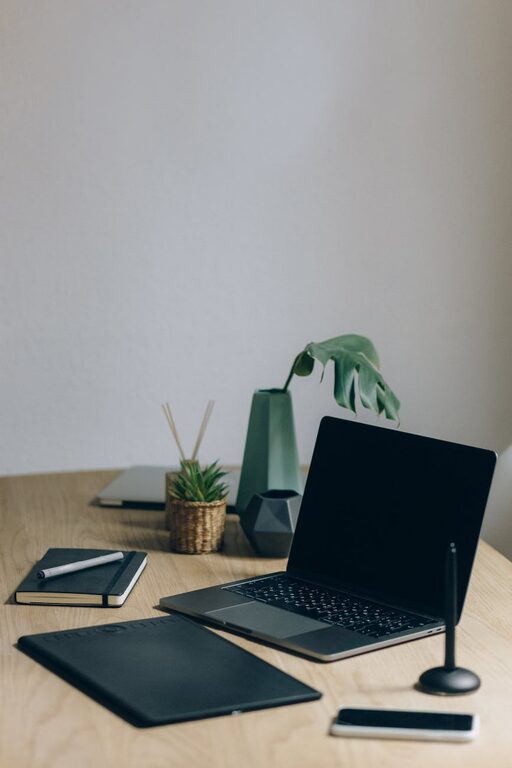
Avoid overcrowding your desk. Only keep essentials like your computer, a notebook, and a pen holder on the surface. Store less-used items in drawers or shelves.
Invest in Comfortable and Functional Furniture
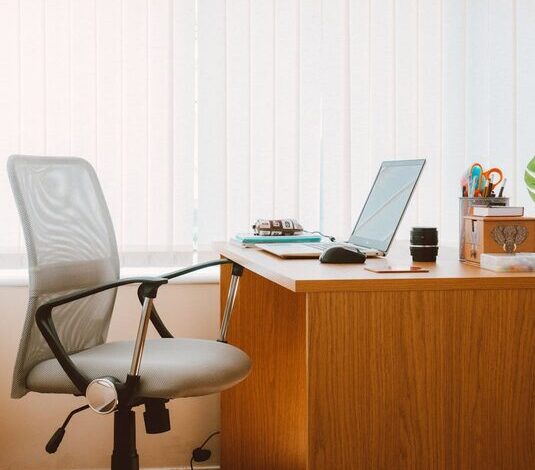
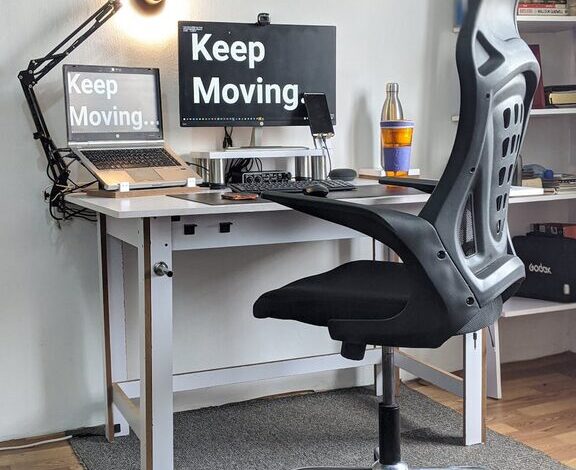
Choose an Ergonomic Chair
A comfortable chair with good back support is vital for long hours of work. Ergonomic chairs help maintain good posture and prevent discomfort.
Select a Suitable Desk
Your desk should be the right height for typing and writing without straining your wrists or shoulders. If space allows, consider a sit-stand desk to alternate positions during the day.
Organize Digital Files and Tools
Use a Consistent File System
Keep your computer desktop and folders organized with clear labels and categories. Regularly back up important files to the cloud or an external drive.
Minimize Digital Distractions
Use apps or browser extensions that block distracting websites during work hours. Turn off non-essential notifications to maintain focus.
Add Personal Touches Wisely
Incorporate Inspiring Elements
Including a few personal items like photos, plants, or artwork can make your workspace more inviting and motivating, but don’t overdo it.
Keep It Simple
Too many decorations can create clutter and visual distractions. Stick to a few tasteful items that bring joy and calm.
Utilize Effective Storage Solutions
Use Shelves and Cabinets
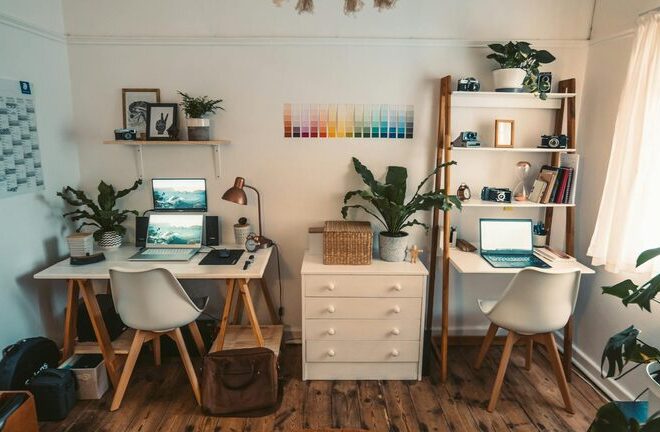
Install shelves or bring in storage cabinets to house books, reference materials, and supplies. This keeps your desk clear and everything within reach.
Label Everything
Clearly labeled containers, files, and folders speed up retrieval and encourage putting things back in the correct place.
Establish a Cleaning and Maintenance Routine
Schedule Regular Decluttering
Set aside time weekly or monthly to tidy your workspace. This helps prevent accumulation of unnecessary items and keeps the area functional.
Wipe Down Surfaces
Dust and clean your desk, keyboard, monitor, and chair regularly to maintain hygiene and a pleasant work environment.
Manage Cables and Electronics
Use Cable Organizers
Tangled cords can be distracting and unsafe. Use clips, sleeves, or ties to bundle cables neatly.
Position Charging Stations Strategically
Place chargers and power strips in accessible but unobtrusive locations to avoid clutter.
Set Boundaries and Signal Work Mode
Use Physical or Visual Boundaries
If possible, separate your workspace from the rest of the home with a room divider or curtain to mentally distinguish work from personal life.
Establish a Work Routine
Start your day with rituals such as turning on a desk lamp or playing soft background music to signal the beginning of work time.
—
By applying these tips, you can transform any home space into a productive, comfortable workstation. Organized surroundings not only improve your efficiency but also create a more enjoyable work experience. Take the time to set up your workspace thoughtfully, and you’ll likely notice positive effects on your daily performance and well-being.